

Create Powerful Presentations
Make polished presentations that stand out from the rest.
Choose the perfect Microsoft 365 plan and boost productivity with Copilot!
The essentials, at the lowest price.
Our most balanced plan.
More capacity and features.

No matter what's your preferred payment mode, we provide you a host of payment options when you buy Microsoft 365 from us.

MS365 comes with different plans for different business needs. We help you pick the right combination for your business.

Our experts take care of setting up and configuring Microsoft 365 to fit your needs, cutting down your transition time.
When you move to Microsoft 365, you need your data as well. Our Microsoft 365 migration experts migrate your data without any hiccups.

Partner with a trusted Microsoft provider for reliable Office 365 solutions and expert support.

Our support is available when you need it. From providing basic info to escalation of your tickets, we are there with you
Enhance your business professionalism with Microsoft 365 tools.

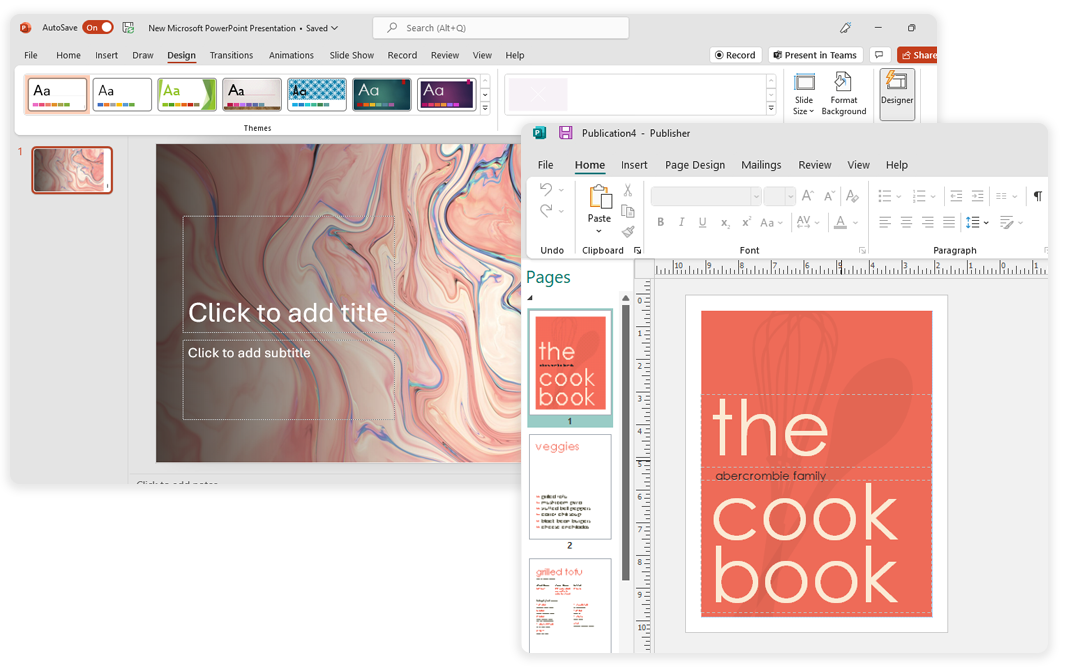
Make polished presentations that stand out from the rest.

Develop visually appealing presentations, newsletters, and documentation within minutes with Sway.

With this PC only app, precisely layout and style pictures, text, calendars, borders, and more.

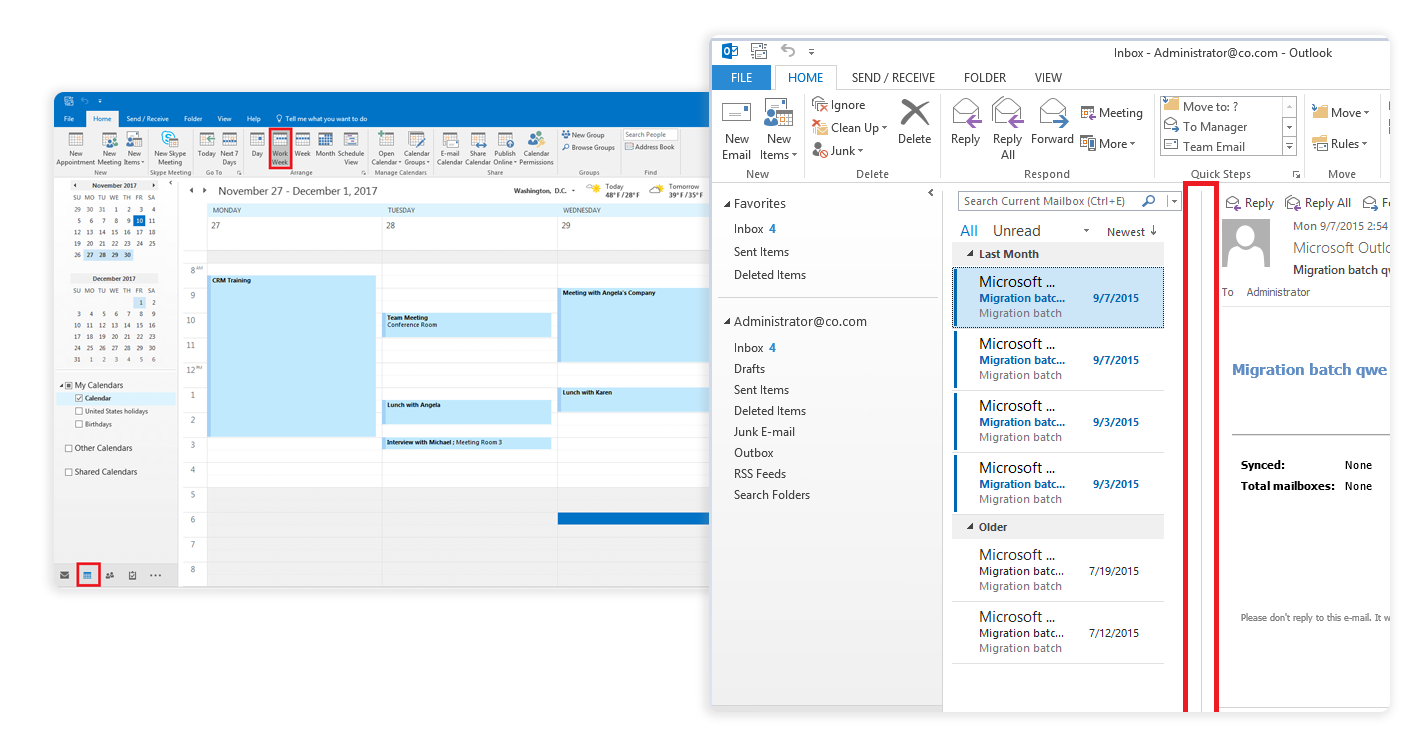
With your email, calendar, contacts and tasks at one place, you’ll never have to worry about forgetting something important again.

Meet via virtual meetings, chats, video conferences that will help you stay connected with your team no matter where they are.

Check coworkers’ availability with shared calendars. Add reminders, never miss a meeting.

With SharePoint, share and manage content, knowledge, and applications within or outside your organization.

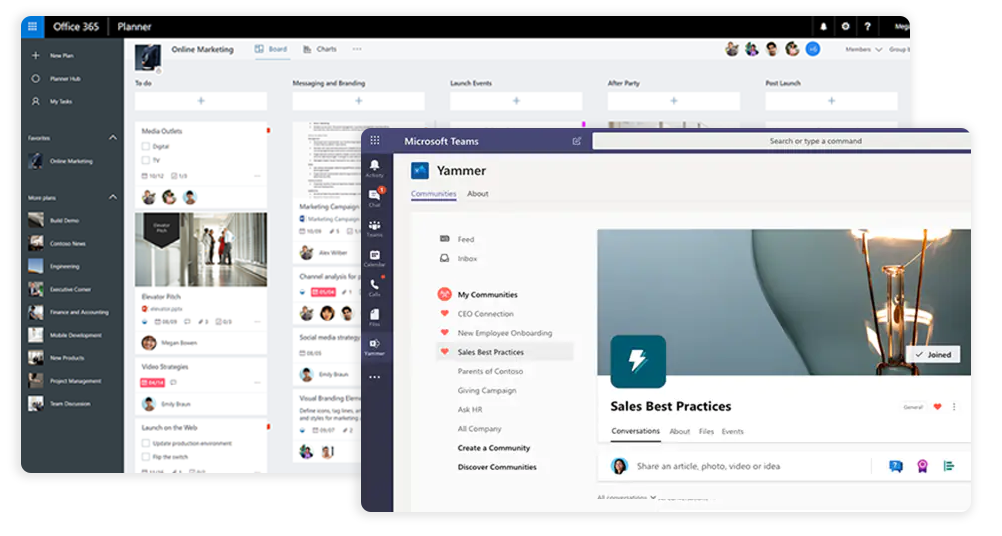
Organize your teamwork with collaborative, intuitive, visual task management and get more work done.

Easily create and host training, company meetings, and town halls. With events, share rich
Hosting, domains, email and security from one provider, backed by a support team that is always on.
50,000+
Businesses and individuals across the globe host with us.
24/7
Our team is available around the clock to help.
99.99%
Reliable infrastructure keeps your sites online.
10 years
Helping web professionals succeed for a decade.
Have questions? We've got answers.
Microsoft 365 is a comprehensive productivity platform that can help you and your team work more efficiently and effectively, whether you're working from the office, on the go, or at home, with its robust Office apps, advanced security features, and intelligent cloud services.
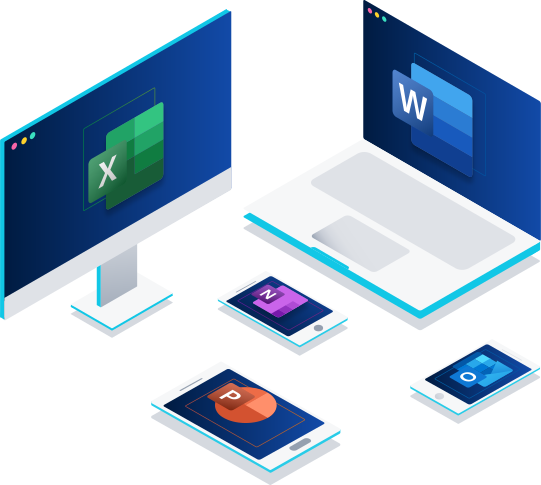
Office apps like Word, Excel, PowerPoint, and Outlook can be installed on any device and used offline. When you are online and connected to the internet, any changes you make to your documents will sync automatically with OneDrive, a cloud storage service included with Microsoft 365. This means that you can access your documents from any device that has OneDrive installed, even without an internet connection.
With Outlook, you can send and receive emails, create, and schedule appointments and meetings, and manage your tasks. If you go offline and make changes to your Outlook inbox or outbox, those changes will be synced across all your devices when you reconnect to the internet.
Microsoft 365 Business plans are well-suited for smaller organizations with a capacity of up to 300 users, while those requiring greater scalability can take advantage of the Enterprise plans.
Get the most out of Office with access to its apps on up to five PCs or Macs, five tablets, and five smartphones.
Please note that this is not applicable for Microsoft 365 Business Basic plan users.
Microsoft Teams allows you to invite up to 1,000 participants to a meeting and have them interact with each other using chat, audio, and video. These participants can be internal to your organization or external, and they can join the meeting from various devices, including desktop computers, laptops, tablets, and smartphones.
If you need to host a larger meeting, you can also invite up to 10,000 additional participants to join the meeting as view-only attendees.
All major credit cards are accepted. Depending upon your choice of services, you will be billed monthly or annually.
Microsoft 365 plans are available in most countries and regions around the world. If you are unable to purchase a Microsoft 365 subscription in your country or region, you may still be able to purchase an Office 2021 suite, which is a one-time purchase that includes the 2021 versions of the Office apps. It is important to select the correct country or region when purchasing a Microsoft 365 subscription, as this determines the billing and payment information as well as the terms of service and other legal agreements that apply to your subscription.
You can use your ClickWeb customer panel to view and take care of your Microsoft 365 services with ClickWeb.
Subscriptions may be cancelled within 7 days of purchasing the license for a pro-rata refund, minus an additional cancellation charge of Rs. 100.
Microsoft 365’s free trial is available for first time users for 30 days.
The essentials, at the lowest price.
Our most balanced plan.
More capacity and features.